 Ainola

Covers Audacity 3.5 to 3.7 and Audacity 4.0 on a Mac. Audacity 3.2 to 3.4 have no setting to skip the scan. It does not cover a crash while an effect is running.
Why Audacity scans plugins at startup
Audacity tests each new plugin before it lists it. When Audacity 3.2 added VST3 and real-time effects, startup scans on Macs became a common complaint on the Audacity forum: scans with the time remaining only growing (community report), a scan past 100 minutes on an M1 MacBook Pro (community report), and Universal Audio plug-ins that crashed Audacity 3.2 at launch (community report). Audacity 3.2.2 added a skip option and a timeout to plugin validation (GitHub issue 3802).
Users on KVR report that the scan comes back when they install or update plugins, and one notes that after a single full scan Audacity opened almost at once (community report). So a long scan after new plugins is normal. A scan that never ends, or stops on the same plugin every time, is the problem.
Skip the scan in Audacity 3.5 and later
This is Audacity's own switch, and it works. It was added in Audacity 3.5 (Audacity 3.5.0 changelog) after a request to let users open Audacity faster (GitHub issue 4923). The manual describes it (Audacity manual, Effects Preferences):
- Open Audacity, then choose Audacity, then Preferences, then Effects.
- Turn on Skip effects scanning on startup. It is off by default.
- Click OK. The next launch opens without the plugin scan.
- When you install a new plugin, choose Effect, then Plugin Manager, and click Rescan to make it available (Audacity manual, Plugin Manager).
If you are on Audacity 3.4 or older, update first: a reply on the Audacity forum to a user with a 12-minute scan in 3.4.2 points to this checkbox in 3.5 (community report). Skipping the scan does not fix a plugin that hangs it. A Rescan will stop on that plugin again, so find it with the steps below.
Audacity 4: Skip this time
Audacity 4 asks first. Audacity 4.0 came out on 3 September 2026, and 4.0.2 is the current version (Audacity changelog). When it finds plugins it has not checked, it shows Audio plugin validation: Audacity has found plugins that need to be validated before use, with the buttons Skip this time and Validate (Audacity 4.0.2 source).
- If Audacity 4 hangs while validating, force quit it and open it again.
- When the validation question appears, choose Skip this time. Audacity opens without validating the new plugins.
- Update to 4.0.2. Since 4.0 Beta 4, plugins that crash Audacity are marked as broken instead of crashing it on every launch (4.0 Beta 4 notes), and 4.0.1 stopped the "Audacity quit unexpectedly" dialogs during plugin validation (4.0.1 notes).
- To turn single plugins off, open Manage plugins, the first item in the Generate, Effect, Analyze and Tools menus, and use the switch next to each plugin (Audacity manual, Effect menu). The same dialog has a Rescan plugins button (Audacity 4.0.2 source).
On a Mac, Audacity 4.0 loads VST3, Audio Units and Nyquist plugins. VST 2 is not in its list of supported formats (Audacity 4.0 release notes), so when Audacity 4 hangs, the VST 2 folder is not the place to look.
The Plugin Manager and pluginregistry.cfg
Disabling a plugin keeps it out of Audacity, but may not stop the scan. In Audacity 3, choose Effect, then Plugin Manager, select plugins and press Space to switch them off, then click OK. Disabling does not uninstall anything (Audacity manual, Plugin Manager). On KVR, one user found that disabling every plugin stopped the startup scan, while the person who asked found it did not (community report).
Audacity keeps the on or off state of each plugin in pluginregistry.cfg. When plugins go wrong, the manual's own advice is a reset (Audacity manual, installation and plug-ins FAQ):
- Quit Audacity.
- In Finder choose Go, then Go to Folder, and enter
~/Library/.Application Support/ audacity - Delete
pluginregistry.cfgandpluginsettings.cfg. To keep a way back, move them to the Desktop instead. - Open Audacity. It starts with the effects it had on first install, and you enable the rest in the Plugin Manager a few at a time to find the culprit.
A Mac user on KVR moved pluginregistry.cfg to the Desktop, let Audacity rescan once, and reported no scan at the next starts, "at least temporarily" (community report). It is a reset, not a lasting switch.
When Audacity will not open at all
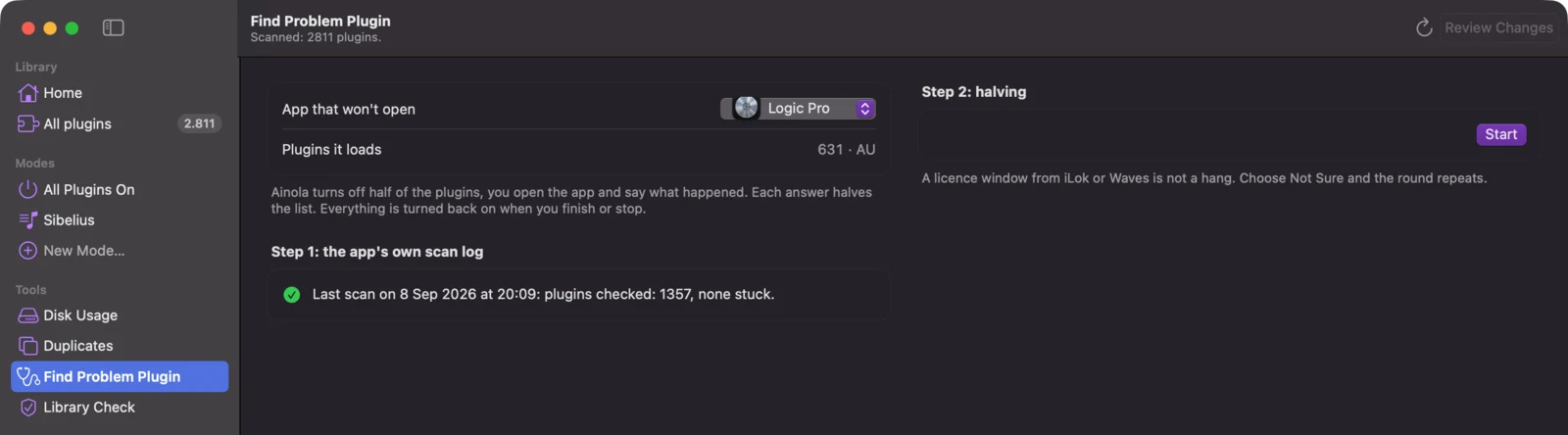
Take the plugins out, half at a time. The advice on the Audacity forum is to watch the scan window: if it shows the same file name for more than a few seconds, that file is the suspect, and the fix is to remove that plug-in (community report). Cancel does not always help: one user reports Audacity crashing when the scan is cancelled (community report). When no name stands out:
- Quit Audacity, or force quit it if it is stuck.
- In Finder choose Go, then Go to Folder, and open
/Library/. The plugins are in Components (Audio Units), VST and VST3. CheckAudio/ Plug-Ins ~/Library/too.Audio/ Plug-Ins - Make a folder such as Plug-Ins quarantined on your Desktop. Select half of the plugins in one folder, press Command-C, open the new folder and press Command-Option-V, which moves them instead of copying.
- Open Audacity. If it gets past the scan, the plugin is in the half you moved; if not, it is in the half that stayed. Keep halving that group.
- Put every plugin back except the one that breaks the scan, then update it or leave it out.
These folders are shared. While a plugin sits on the Desktop, Logic Pro, GarageBand and every other app on the Mac miss it too, so put the rest back when you are done.