 Ainola

Covers Cubase Pro, Artist and Elements 14, 15 and 16 on a Mac. It does not cover a project that crashes after Cubase has opened.
Why Cubase gets stuck on the VST 3 scan
One plugin stalls the scanner. At every launch Cubase checks its VST 3 plug-ins with a separate scanner process. A plugin that crashes the scanner is put on the blocklist and Cubase moves on. A plugin that hangs, for example while it waits for an iLok licence or a network connection, holds the whole scan, and Cubase sits on Initializing: Scanning VST 3 Plug-ins. A Steinberg moderator describes it as the vstscanner or vstscannermaster process "choking" and hanging, and suggests looking for that process in Activity Monitor (Steinberg forum). A user on macOS Tahoe traced one such hang to SSL plug-ins with an active iLok subscription and reported that the Cubase 14 scanner appears to have no timeout (Steinberg forum).
A long first scan after a Cubase update or a big plugin install is normal. A scan that never finishes, or stops on the same plugin each time, is the problem this page is about.
Read the Cubase scan log first
Cubase writes down every plugin it scans, so the log usually names the culprit. We checked this on a Mac with Cubase 14:
- Quit Cubase, or force quit it if it is stuck.
- In Finder choose Go, then Go to Folder, and enter
~/Library/(use your version number).Preferences/ Cubase 14 - Open the folder named like
Cubase Pro VST3 Cache (arm64). The name follows your edition, and (arm64) means Cubase runs natively on Apple Silicon. - Open
vstscannermaster.login TextEdit. Each plugin gets a line such as Scanning: Name (12/623), then a line ending in OK when it passes. A finished scan ends with Finished and the number of plugins. - If the log ends on a Scanning line with no OK after it and no Finished, the plugin on that last line is the one Cubase got stuck on.
Start Cubase without third-party plug-ins
This is Steinberg's own way past a plugin problem at launch (Cubase Pro 16 manual):
- Quit Cubase.
- Open Cubase, and hold Command-Shift-Option until the Safe Mode dialog appears. Cubase 16 calls it the Safe-Start Mode dialog.
- In the Plug-Ins section, turn on Deactivate all third-party plug-ins, then click OK.
- Cubase opens with only Steinberg plug-ins. The others are off for this launch only.
The same dialog can disable or delete Cubase's settings. Try that only if Cubase still fails with third-party plug-ins off, because deleting cannot be undone and affects every Cubase version on the Mac.
Fix it in the VST Plug-in Manager
Once Cubase is open, deal with the one plugin. In Cubase 14 and 15 choose Studio, then VST Plug-in Manager (Cubase Pro 15 manual). In Cubase 16 the plug-ins moved to Edit, then Settings, then Plug-ins (Cubase Pro 16 manual).
- Update the plugin from its maker, and check that its licence opens in iLok License Manager or the maker's own app.
- Open the Blocklist tab. It lists plug-ins Cubase found but does not load because they can make it unstable or crash.
- After an update, select the plugin there and click Reactivate. Cubase rescans it and takes it off the blocklist if it passes.
- To keep a plugin you never use in Cubase out of its menus, select it and turn on Hide. Hide does not uninstall it.
When Cubase will not open at all
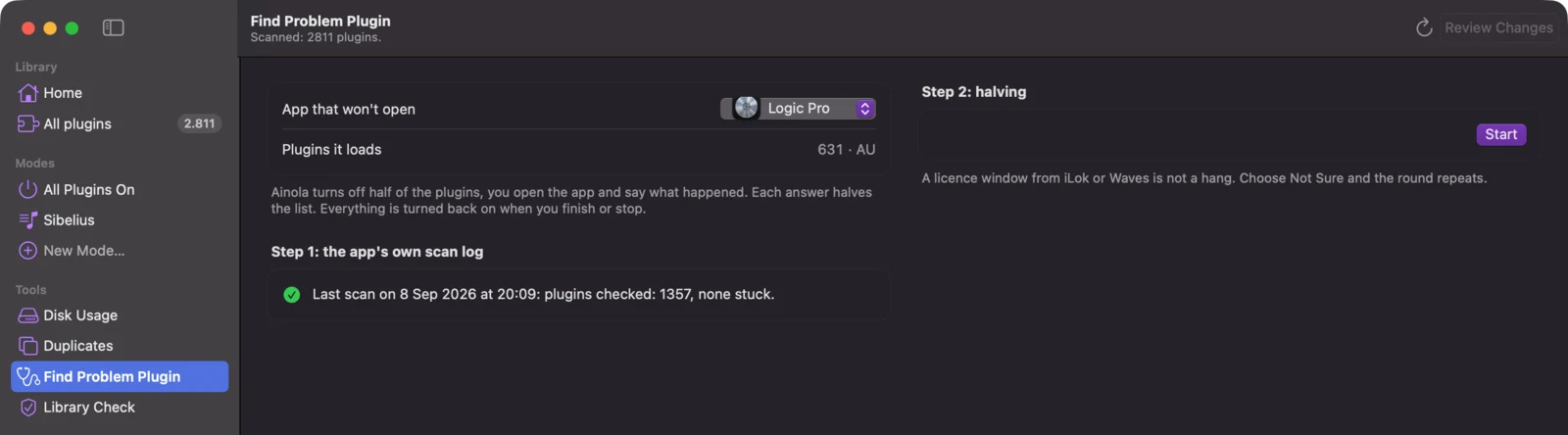
Steinberg's advice is to empty the plug-in folders and add plugins back. Its macOS troubleshooting article covers both VST and VST3 folders and suggests moving half of them at a time when you have many (Steinberg Help Center):
- Quit Cubase.
- In Finder choose Go, then Go to Folder, and enter
/Library/. CheckAudio/ Plug-Ins/ VST3 ~/Library/too.Audio/ Plug-Ins/ VST3 - Make a folder such as VST3 quarantined on your Desktop. Select half of the plugins, press Command-C, open the new folder and press Command-Option-V, which moves them instead of copying.
- Open Cubase. If it gets past the scan, the plugin is in the half you moved; if not, it is in the half that stayed. Keep halving that group.
- Put every plugin back except the one that breaks the scan, then update it or leave it out.
If the scan finishes but the same plugins keep failing, Steinberg's macOS article also suggests fresh preferences: quit Cubase and rename the Cubase 14 folder in ~/Library/, for example to xCubase 14. That folder holds the VST3 cache and blocklist as well as your settings, so Cubase rescans everything and starts with default settings.
What about VST 2 plug-ins?
On Apple Silicon, Cubase runs natively and loads VST 3 plug-ins only. VST 2 plug-ins load only when Cubase is opened in Rosetta mode, and since Cubase 14 they are off by default (Steinberg Help Center). So on a current Mac the launch hang is almost always in the VST 3 scan.